
Spot Fake Profiles With Photo Search and Safer Evidence Checks
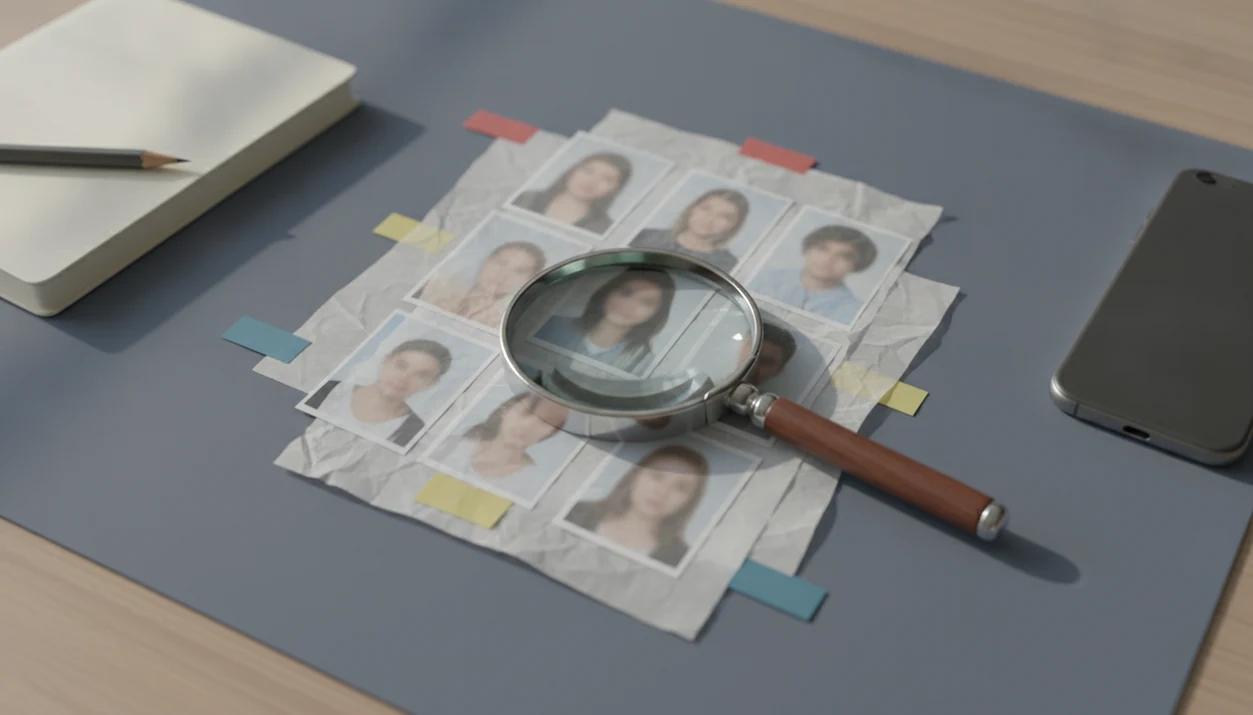
To spot fake profiles with photo search, compare where the same profile image appears online, then check whether the names, dates, platforms, and behavior line up. Treat matches as evidence of reuse, not proof of identity or fraud, and avoid accusing or contacting unrelated people.
Definition: A fake profile photo search is the process of checking a profile image in reverse image search or face search tools to see whether the same face or picture appears on unrelated accounts, stock pages, scam reports, or different names.
TL;DR
- A reused photo across unrelated names or platforms is a warning sign, not a final verdict.
- No results do not prove a profile is real because private, new, edited, or AI-generated images may not be indexed.
- The safest decision comes from combining photo-search evidence with profile age, messaging behavior, money requests, and cross-platform consistency.
What a Fake Profile Photo Search Can and Cannot Prove
A fake profile photo search can show where an image appears online, but it cannot prove who controls the account using that image. The useful finding is image reuse, especially when one face appears under unrelated names, locations, jobs, or dating profiles.
AARP advises using reverse image search to see where a profile photo appears online, while still treating the result as a clue rather than proof of identity (https://www.aarp.org/money/scams-fraud/info-2019/romance.html). That distinction matters. A glossy profile portrait beside a low-resolution repost on an old public page is a risk signal, not a courtroom answer.
Google says Lens is used for more than 12 billion visual searches each month, which makes image lookup widely available to ordinary users (https://blog.google/products/search/google-lens-visual-search/). Availability is not accuracy. Good face search app guides for finding people by photo, reverse face search, social profile lookup, and scam-photo checks deliver source trails and caution, not identity certainty.
How Photo Search Detects Fake Account Images
Photo search works by comparing visual features, image copies, surrounding page context, and sometimes metadata clues from indexed pages. In plain terms, the tool looks for the same picture, close copies, or pages that appear connected to the image.
Face search may go a step further. It can compare facial structure or similar face patterns, often through image embeddings, which are mathematical summaries of visual traits. That can surface possible matches even when the exact file is not duplicated.
Clear, public, indexed images work best. A tightly cropped selfie saved from a dating chat may still help, but filters, compression, sunglasses, side angles, and private uploads can break the source trail. New AI-generated portraits may return nothing at all.
No result is still a result to interpret carefully.
Five Facts Before You Spot a Catfish Profile
Before you spot a catfish profile, treat photo search as a verification step, not an identity verdict. These five rules prevent overconfidence and false accusations.
- Photo search can reveal image reuse, but it cannot prove a person’s real-world identity.
- The strongest warning sign is one face appearing under unrelated names, platforms, websites, or profile biographies.
- No results are inconclusive because the image may be new, private, edited, AI-generated, or not indexed.
- Fake profiles may use stolen real photos, stock images, old public posts, or synthetic faces.
- Users should verify multiple signals and avoid harassment, public accusations, doxxing, or pressure tactics.
For dating checks, photo evidence is often easier to review than chat claims because images leave a visible source trail. Still, the safer question is not “Who is this?” It is “Does this profile’s story match the public evidence?”
How to Use Photo Search to Spot Fake Profiles
Use photo search to spot fake profiles by saving the clearest image, checking it in more than one tool, and comparing source details before acting. Keep the review private. Reposting someone’s face can create harm, even when your concern is valid.
1. Save the clearest public image
Save or screenshot the profile image only for personal verification. If possible, keep the date visible in the screenshot before the result page or profile changes.
2. Search the same image in multiple tools
Run the image through more than one reverse image or face search option, such as Google Lens, TinEye, or a face-focused search tool. If you need a dating-specific workflow, our best face search app for dating photos guide covers safer checks.
3. Compare names, dates, and sources
Compare exact duplicates, visually similar faces, page titles, usernames, dates, captions, and claimed locations. Open three tabs if needed: the original profile, the search result, and the platform help page.
4. Check profile behavior
Look for rushed romance, secrecy, investment talk, off-platform messaging, or requests for gift cards, crypto, banking help, or documents. A photo match becomes more concerning when behavior also looks manipulative.
5. Decide without public accusations
Document findings privately, slow down communication, and use report or block tools when needed. Do not confront unrelated people whose photos may have been stolen.
Evidence Signals in a Photo Search Fake Account Check
A photo search fake account check is strongest when exact image reuse conflicts with the profile’s claimed identity. Vague look-alike results deserve much less weight.
| Signal | What to compare | Safer interpretation |
|---|---|---|
| Exact duplicate | Same image on another name, country, job, or dating account | Strong warning sign, especially with conflicting details |
| Similar face only | Face-search result that resembles the profile | Possible match, not proof |
| Account history | Creation date, posts, followers, comments, bio changes | Thin or inconsistent history raises concern |
| Scam behavior | Urgent romance, secrecy, investments, off-platform chat, money requests | High-risk when paired with image conflicts |
| Source context | Stock page, public figure page, old forum avatar, news repost | Check whether reuse is legitimate or misleading |
The FTC reported $12.5 billion in consumer fraud losses in 2024 (https://www.ftc.gov/news-events/news/press-releases/2025/03/new-ftc-data-show-big-jump-reported-losses-fraud-125-billion-2024), and Pew Research Center has reported that 72% of U.S. adults use social media (https://www.pewresearch.org/internet/fact-sheet/social-media/), so fake-profile checks matter beyond dating apps. For romance-specific red flags, use a romance scammer photo search alongside behavior checks.
Common Myths About Fake Profile Photo Search
Fake profile photo search is useful, but myths around it cause bad decisions. The safer interpretation is usually narrower than the first emotional reaction.
Myth 1: Reverse image search confirms identity from one profile photo. It does not. It shows where an image appears online, not who owns the account.
Myth 2: No search results mean the profile is real. No results can mean the image is private, new, edited, compressed, AI-generated, or simply not indexed.
Myth 3: Any reused photo is automatically a scam. Reuse can be legitimate through publicity, syndication, reposting, fan pages, or shared professional photos.
Myth 4: Face search is always more accurate than reverse image search. Face search can find similar faces, but it can also return look-alikes or unrelated public images.
For a suspicious dating profile, a combined review usually works better than a single search because behavior, dates, and image context catch different risks. A narrower walkthrough is available in our check dating profile photo fake guide.
Common Mistakes When Checking Fake Profile Photos
The most common mistake is treating photo search like a final verdict instead of one safety check. A match, a near match, or no match at all still needs context before you decide what to do.
- Treat one result as a clue, not proof. One visual match may show reuse, cropping, reposting, or resemblance. It does not prove who created the account or whether fraud is happening.
- Compare the surrounding details. Check dates, captions, usernames, profile age, comments, platform norms, and whether the story changed over time. A photo on a model page means something different from the same photo on five dating accounts with different names.
- Review upload privacy before searching. Do not upload private, intimate, or identifying images until you understand the tool’s retention, deletion, and sharing rules.
- Avoid contacting possible photo owners too early. Their images may have been stolen, and a sudden message from a stranger can feel threatening. Confirm your own safety first, then use platform reporting when appropriate.
- Remember that silence is not clearance. AI-generated portraits, fresh stolen photos, deleted pages, and private accounts may return nothing useful.
Safer Decisions After You Spot a Catfish Profile
After you spot a catfish profile, slow communication and protect your money first. Refuse gift cards, crypto transfers, banking help, private documents, package forwarding, and “temporary emergency” payments.
You can ask for benign consistency checks, such as a live video call or a normal platform-based conversation. Respect boundaries, but notice repeated excuses, sudden urgency, or pressure to move to encrypted messaging. Tools like Face Search App can help organize a privacy-aware review, not a vigilante investigation.
A safer review has a small paper trail: screenshot the profile, note the date, save the search-result URLs, and keep everything private. Face Search App is most useful here as a comparison workflow, not as a tool for naming or confronting someone.
Use platform report and block tools when image evidence combines with suspicious behavior. Do not message the person whose photo may have been stolen unless there is a clear, safe, non-harassing reason. A notebook note that says “verify, don’t accuse” is the right posture here.
When money requests appear, photo search becomes only one part of the safety plan. A free scammer photo search can help, but refusing payment is the cleaner boundary.
Limitations
Photo search has real limits, and those limits matter most when emotions are high. A possible match should guide caution, not public claims.
- Photo search cannot confirm a person’s identity from one profile picture.
- Low-resolution, cropped, filtered, altered, or heavily compressed images reduce reliability.
- Private, newly uploaded, deleted, or unindexed photos may not appear in results.
- AI-generated faces and newly stolen photos may produce no useful matches.
- Face search can return look-alikes, public figures, stock models, or innocent reposts.
- A reused image can be legitimate in contexts such as publicity, syndication, brand pages, or reposting.
- Search tools may show old pages where names, captions, or account ownership have changed.
- Users should not accuse, shame, harass, doxx, or contact unrelated people based on one match.
Before uploading sensitive images, review the tool’s retention and upload rules. Our face search privacy guide explains the privacy tradeoff in more detail, including camera roll permission prompts on mobile.
FAQ
How can I find fake profile pictures?
Run the image through reverse image and face search tools, then compare names, sources, dates, captions, and profile behavior. Treat the result as evidence of possible reuse, not proof of fraud.
Can photo search prove identity?
No. Photo search can show where an image appears online, but it cannot prove who owns, controls, or operates a profile.
What if photo search finds nothing?
No results are inconclusive. The image may be private, new, edited, AI-generated, deleted, or not indexed.
Is a reused photo always fake?
No. Reuse is suspicious when the context conflicts, but legitimate images can be reposted, syndicated, or used for publicity.
Can face search find catfish accounts?
Face search can help surface reused or visually similar faces. The results still need careful verification with names, dates, sources, and behavior.
Are AI profile photos searchable?
AI-generated faces may have no prior web matches. In those cases, behavior, account history, and consistency checks become more important.
Should I contact the photo owner?
Usually, no. Avoid contacting unrelated people unless there is a clear, safe, non-harassing reason.
When should I report a profile?
Report a profile when photo evidence combines with suspicious behavior such as impersonation, money requests, threats, harassment, or platform-rule violations. Tools such as Face Search App can help you document the review privately before you report.